Jump to content
View in the app

A better way to browse. Learn more.

Pride of Nottingham (Notts County Community)

A full-screen app on your home screen with push notifications, badges and more.

To install this app on iOS and iPadOS
  1. Tap the Share icon in Safari
  2. Scroll the menu and tap Add to Home Screen.
  3. Tap Add in the top-right corner.
To install this app on Android
  1. Tap the 3-dot menu (⋮) in the top-right corner of the browser.
  2. Tap Add to Home screen or Install app.
  3. Confirm by tapping Install.

Notts Alumni

43 articles in this category

  1. Joe Jones ·
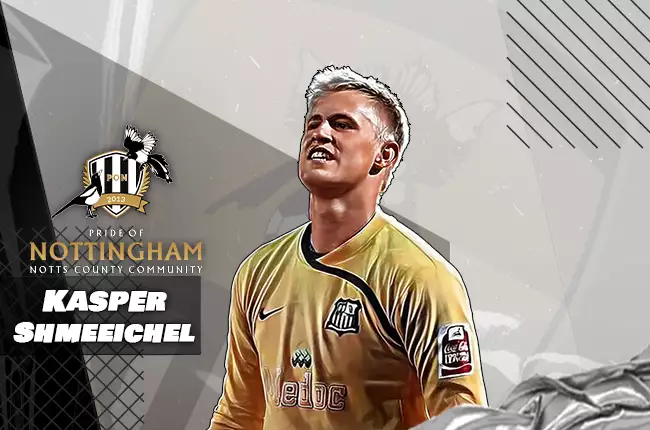
    Young people often follow in their parents' footsteps. A person's behaviour, opinions and actions will doubtlessly filter through to their children, and the same can be said about a person's career - as they have inside knowledge of their chosen field, this will influence the son or daughter, and the likelihood of them entering the same field is high. This is also the case in football, with professional players' kids often getting into the sport, where they can benefit from the parent's knowledg
    • 6 comments
    • 4,275 views

Important Information

Pride of Nottingham uses cookies to ensure you get the best experience on our website. To approve, simply continue using the site or click 'I accept' Terms of Use.

Configure browser push notifications

Chrome (Android)
  1. Tap the lock icon next to the address bar.
  2. Tap Permissions → Notifications.
  3. Adjust your preference.
Chrome (Desktop)
  1. Click the padlock icon in the address bar.
  2. Select Site settings.
  3. Find Notifications and adjust your preference.
